

Menu data that actually
reaches the floor
Every dish scored overnight on waste risk, popularity and margin. Tonight’s picks on your staff’s phones with one tap.
Get started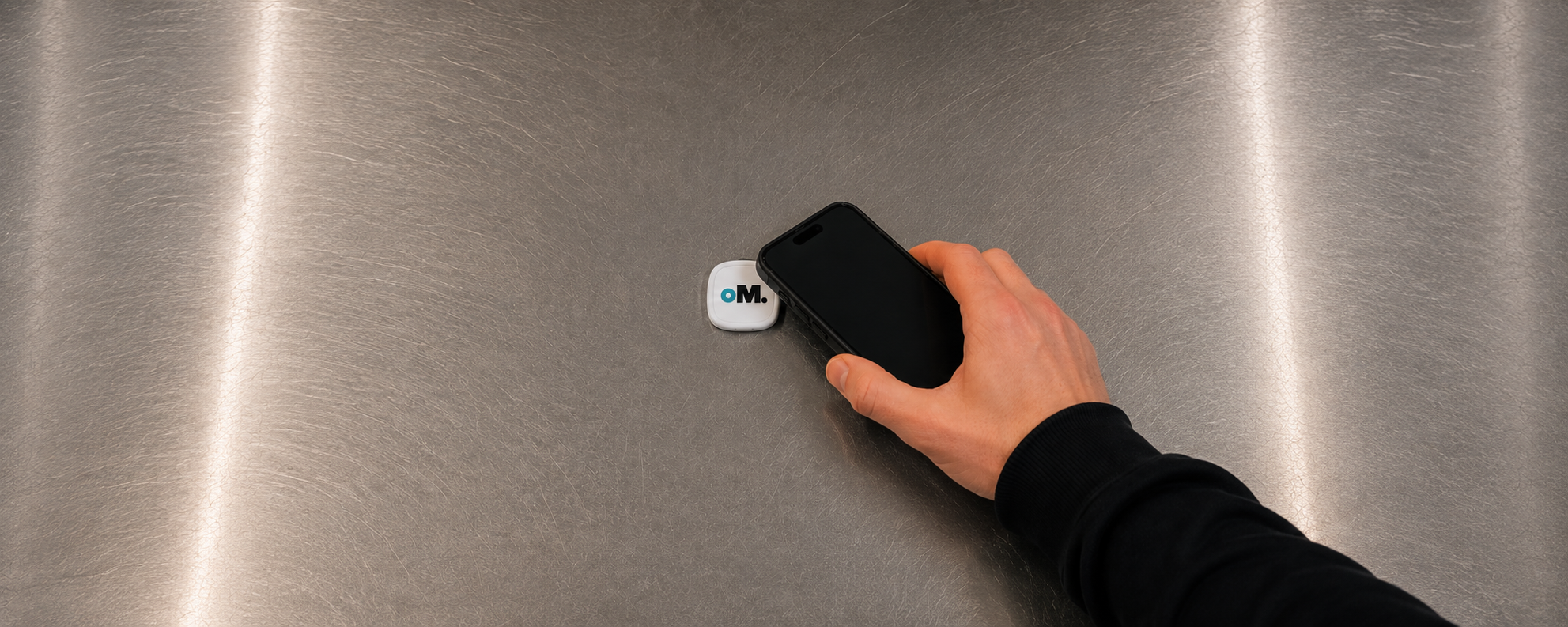
A tap is the whole interface.
Put a tag at the pass, on the server station, beside the bar terminal — anywhere your staff already stand. Tonight’s briefing opens on their own phone in about a second.
One cycle, run overnight.
Nobody on your team touches any of it. They tap once at the start of the shift.
Sync
Sales close out and vendor invoices are read line by line.
Analyze
Every dish scored on waste risk, popularity and margin.
Pick
Top dishes chosen, each with a line servers can say.
Tap
Staff tap any station tag. Briefing opens on their phone.
Everything behind tonight’s call.
Managers only. Tonight’s three tickets on the pass, menu health, what’s about to spoil, and how last week’s picks actually sold — costs and margins never leave this screen. Hover a number to see what each part does.

What the floor actually gets.
One tap opens this in the phone’s browser. Three tickets, ranked by priority, and a line servers can say at the table. No margins, no dashboards, no account to manage.
The tag
Stick it by the pass, the POS, or the service window. Staff tap on their way out to the floor. Every restaurant gets three.
Read-only, and narrow on purpose.
OptiMenu needs item-level sales history to score a menu. Nothing else. The connection is read-only, so nothing OptiMenu does can change what happens at the terminal.
What we read
What we never touch
Direct POS integrations are in progress. Any restaurant can import item-level sales by CSV today.
Flat rate, per restaurant.
No per-location fees, no setup fees, no contract. One price whether you run twelve covers a night or two hundred.
Questions operators ask.
That's the normal starting point. OptiMenu reads scanned or photographed vendor invoices and pulls line items, units and prices — you don't reformat anything. Where a line is unreadable we flag it for you instead of guessing.
Stop guessing what to sell tonight.
Invoices and sales in, a scored menu out, tonight’s picks on the floor before service. Setup takes an afternoon, and we do it with you.